win10系统右键新建:state repository service占用CPU的解决方法
作者:冷瞳发布时间:
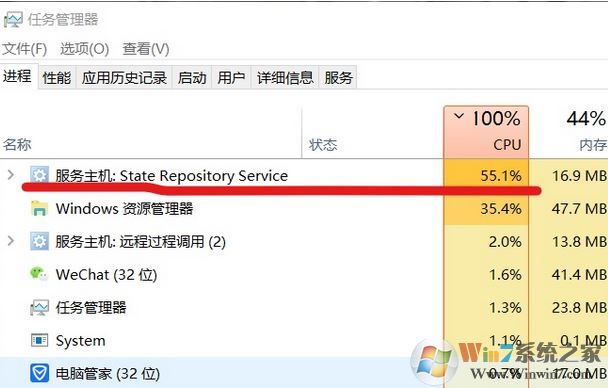
win10系统右键新建之后电脑就变得非常的卡,打开任务管理器可以清楚的看到 “服务主机:state repository service” 服务严重占用cpu使用率,基本上是满负荷的,针对这样的问题该如何解决呢?本网中winwin7小编将给大家分享介绍下win10系统右键新建:state repository service占用CPU的解决方法!
win10系统右键新建:state repository service占用CPU的解决方法
你可以尝试以下三种方法
直接 开始 运行: cmd /k reg add "HKEY_CLASSES_ROOT\Directory\Background\shellex\ContextMenuHandlers\New" /ve /t REG_SZ /d {D969A300-E7FF-11d0-A93B-00A0C90F2719} /f
不行的话把以下内容复制到记事本,另存的时候选择所有格式 ,然后重命名 任意名字.reg 然后双击(运行):
REGEDIT4
[HKEY_CLASSES_ROOT\Directory\Background\shellex\ContextMenuHandlers\New]
@="{D969A300-E7FF-11d0-A93B-00A0C90F2719}"
[HKEY_CLASSES_ROOT\Directory\Background\shellex\ContextMenuHandlers\New\command]
@=hex(2):
还不行的话:
regsvr32 /u /s igfxpph.dll
reg delete HKEY_CLASSES_ROOT\Directory\Background\shellex\ContextMenuHandlers /f
reg add HKEY_CLASSES_ROOT\Directory\Background\shellex\ContextMenuHandlers\new /ve /d {D969A300-E7FF-11d0-A93B-00A0C90F2719}
把这段东西在记事本里另存为后缀名为cmd的文件 ,然后单击右键“以管理员身份运行”即可!
以上便是winwin7小编给大家分享介绍的win10系统右键新建:state repository service占用CPU的解决方法,如还是不行的话那么就需要使用Media Creation Tool 媒体创建工具来进行操作了!
相关文章:
Cryptographic Services是什么服务?可以禁用吗?
Microsoft iSCSI Initiator Service服务能禁用吗?
win10系统右键新建:state repository service占用CPU的解决方法
你可以尝试以下三种方法
直接 开始 运行: cmd /k reg add "HKEY_CLASSES_ROOT\Directory\Background\shellex\ContextMenuHandlers\New" /ve /t REG_SZ /d {D969A300-E7FF-11d0-A93B-00A0C90F2719} /f
不行的话把以下内容复制到记事本,另存的时候选择所有格式 ,然后重命名 任意名字.reg 然后双击(运行):
REGEDIT4
[HKEY_CLASSES_ROOT\Directory\Background\shellex\ContextMenuHandlers\New]
@="{D969A300-E7FF-11d0-A93B-00A0C90F2719}"
[HKEY_CLASSES_ROOT\Directory\Background\shellex\ContextMenuHandlers\New\command]
@=hex(2):
还不行的话:
regsvr32 /u /s igfxpph.dll
reg delete HKEY_CLASSES_ROOT\Directory\Background\shellex\ContextMenuHandlers /f
reg add HKEY_CLASSES_ROOT\Directory\Background\shellex\ContextMenuHandlers\new /ve /d {D969A300-E7FF-11d0-A93B-00A0C90F2719}
把这段东西在记事本里另存为后缀名为cmd的文件 ,然后单击右键“以管理员身份运行”即可!
以上便是winwin7小编给大家分享介绍的win10系统右键新建:state repository service占用CPU的解决方法,如还是不行的话那么就需要使用Media Creation Tool 媒体创建工具来进行操作了!
相关文章:
Cryptographic Services是什么服务?可以禁用吗?
Microsoft iSCSI Initiator Service服务能禁用吗?

复制本文链接攻略文章为3DM游戏网所有,未经允许不得转载。
软件教程更多





相关资讯更多
- WPS表格日期生成方法
- 杯与酒2026-03-10 08:52:46
- WPS怎么关闭广告
- 花栀2026-03-10 08:52:46
- Charamin OMP使用教程
- 枝桠2026-03-10 08:52:45
- wps怎么删除空白页
- ぐ夏筱沐2026-03-10 08:52:45
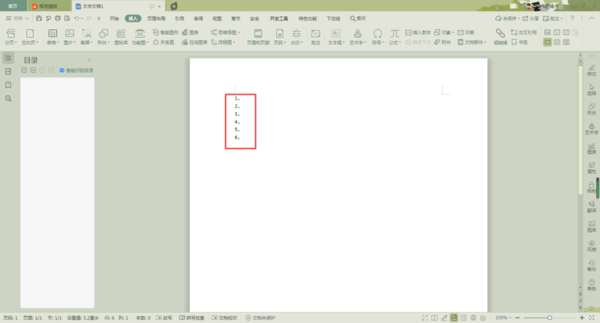
- WPS文档的自动编号怎么取消
- 凉堇年♀2026-03-10 08:52:45

- WPS怎么合并PDF文件
- 情の殇2026-03-10 08:52:45
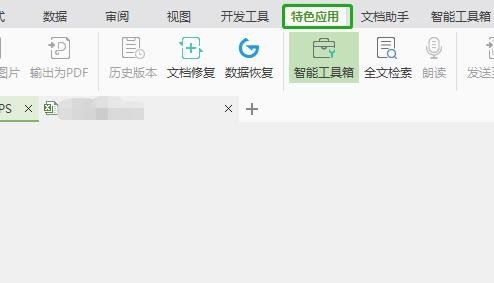
- WPS怎么设置加密
- 蓝玉2026-03-10 08:52:45
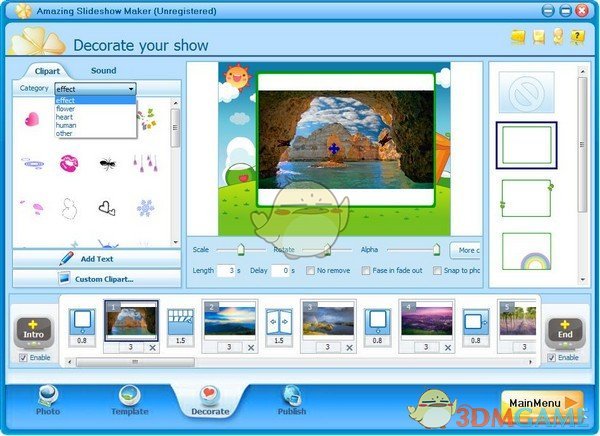
- Amazing Slideshow Maker怎么使用
- 思君2026-03-10 08:52:45
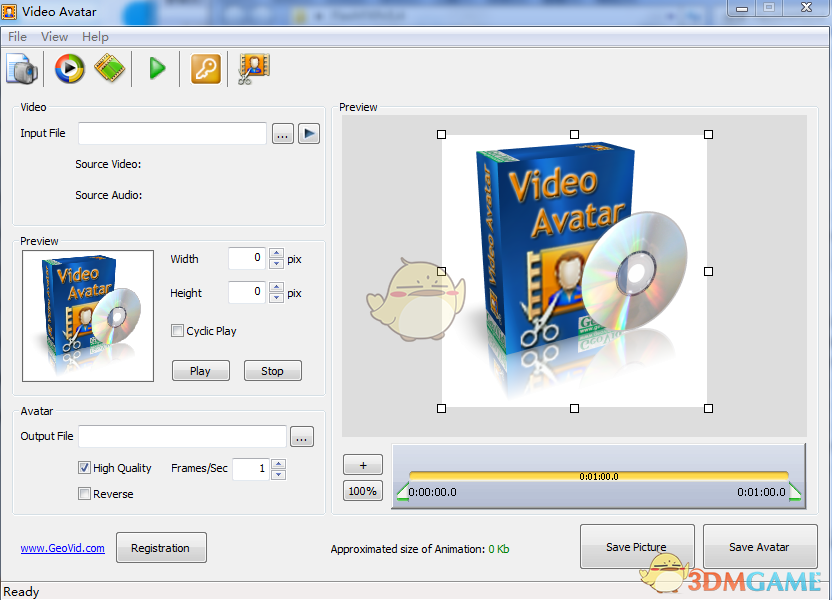
- GeoVid Video Avatar如何使用
- 花栀2026-03-10 08:52:45

- wps中怎么画思维导图
- 心蛊2026-03-10 08:52:45