win7系统右键没有新建Word/Excel文档怎么办?
操作步骤:
1、复制下方的注册表代码到记事本中;
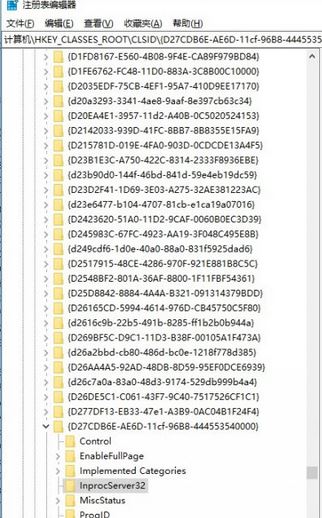
Windows Registry Editor Version 5.00
[HKEY_CLASSES_ROOT.doc]
@="Word.Document.8"
"Content Type"="application/msword"
[HKEY_CLASSES_ROOT.docOpenWithList]
[HKEY_CLASSES_ROOT.docOpenWithListWordPad.exe]
@=""
[HKEY_CLASSES_ROOT.docPersistentHandler]
@="{98de59a0-d175-11cd-a7bd-00006b827d94}"
[HKEY_CLASSES_ROOT.docShellNew]
[HKEY_CLASSES_ROOT.docWord.Document.6]
[HKEY_CLASSES_ROOT.docWord.Document.6ShellNew]
"FileName"="winword.doc"
[HKEY_CLASSES_ROOT.docWord.Document.8]
[HKEY_CLASSES_ROOT.docWord.Document.8ShellNew]
"FileName"="winword8.doc"
[HKEY_CLASSES_ROOT.docWordDocument]
[HKEY_CLASSES_ROOT.docWordDocumentShellNew]
"FileName"="winword2.doc"
[HKEY_CLASSES_ROOT.docWordPad.Document.1]
[HKEY_CLASSES_ROOT.docWordPad.Document.1ShellNew]
"NullFile"=""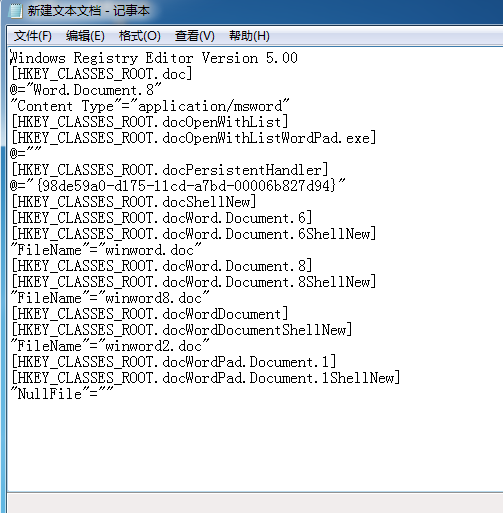
2、然后点击记事本上菜单上的文件——另存为,格式选择所有文件,保存为 OfficeNew.reg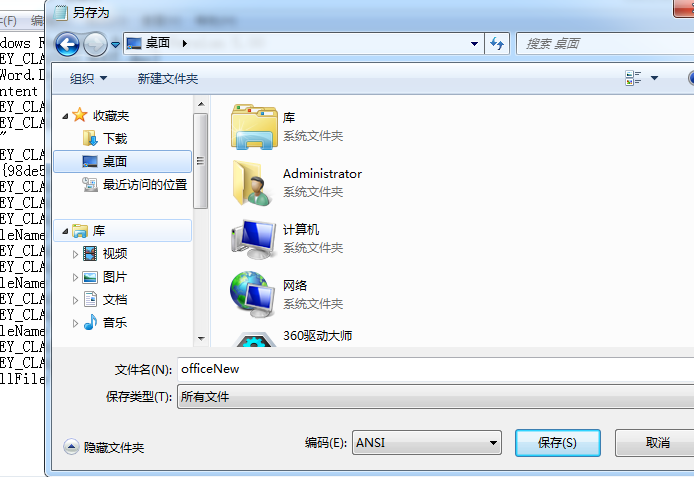
3、文件生成后,我们只要双击OfficeNew.reg导入到注册表就可以了。
总结:以上就是小编为大家整理的 解决没有新建excel的问题,希望能为大家解决这个烦恼






- WPS表格日期生成方法
- 杯与酒2026-03-10 08:52:46
- WPS怎么关闭广告
- 花栀2026-03-10 08:52:46
- Charamin OMP使用教程
- 枝桠2026-03-10 08:52:45
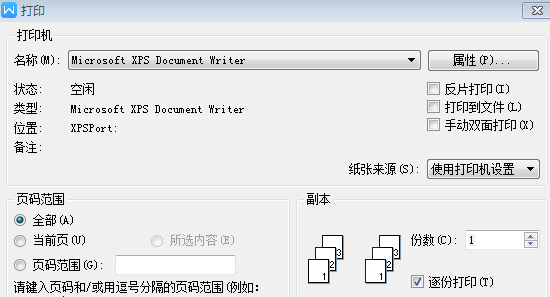
- wps怎么删除空白页
- ぐ夏筱沐2026-03-10 08:52:45

- WPS文档的自动编号怎么取消
- 凉堇年♀2026-03-10 08:52:45

- WPS怎么合并PDF文件
- 情の殇2026-03-10 08:52:45
- WPS怎么设置加密
- 蓝玉2026-03-10 08:52:45

- Amazing Slideshow Maker怎么使用
- 思君2026-03-10 08:52:45
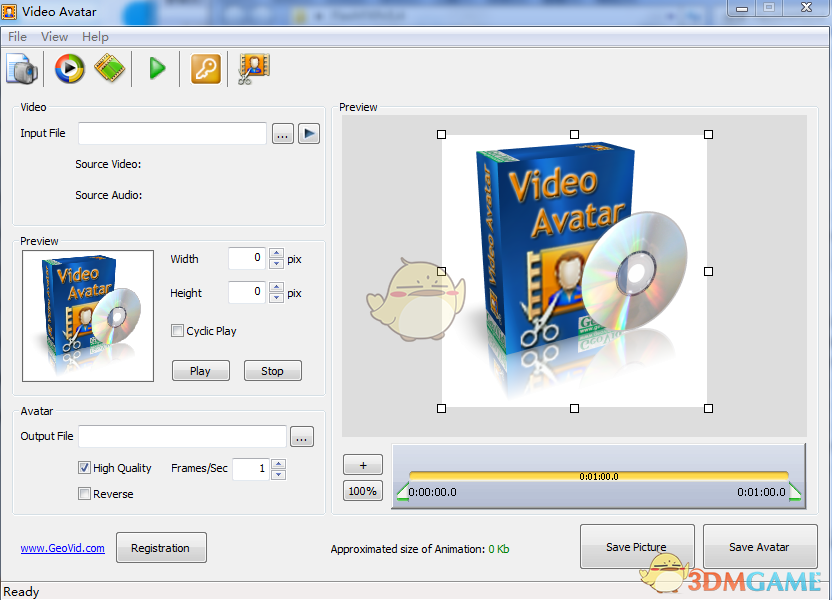
- GeoVid Video Avatar如何使用
- 花栀2026-03-10 08:52:45

- wps中怎么画思维导图
- 心蛊2026-03-10 08:52:45